
How Passkeys Work and Why They May Replace Passwords
539 views
Getting locked out because you can't remember which variation of Summer2024! you used is annoying. So is resetting a password, opening your email, inventing another password you'll forget, and then being told you can't reuse any of your previous 12.
Passkeys are designed to break that loop.
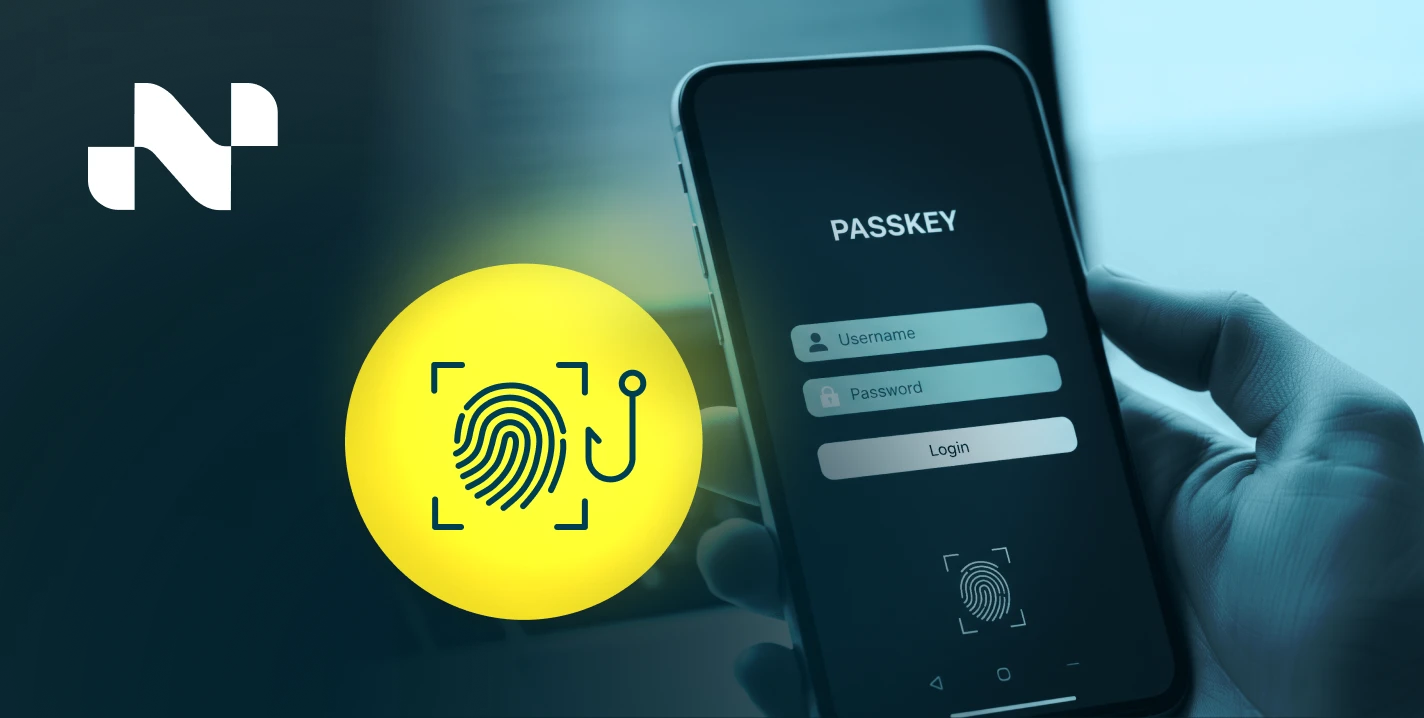
Instead of asking you to remember a secret and send it to a website, a passkey uses public-key cryptography and your device's built-in authentication—Face ID, Touch ID, Windows Hello, an Android screen lock, or a hardware security key—to prove that you are you.
The interesting part isn't just that passkeys are easier. The underlying security model changes the attack surface.
And that may be why passwords, after surviving decades of phishing, credential stuffing, database leaks, and increasingly creative reset flows, are finally facing a credible replacement.
Why this matters now
For a site like WikiArchives, the useful angle isn't another generic "what is a password?" explainer. The more interesting story is the technology shift happening underneath everyday login screens: standards that have existed for years are finally being packaged into something normal people can actually use.
Passkeys are built on FIDO2, which combines the W3C Web Authentication API—usually called WebAuthn—with the FIDO Alliance's Client to Authenticator Protocol, or CTAP. WebAuthn Level 2 became a W3C Recommendation in April 2021, while WebAuthn Level 3 reached Candidate Recommendation Snapshot status in May 2026. The protocol stack is mature enough to be boring in the best possible way.
That maturity matters because passwords have a structural weakness: the server needs to verify a secret that the user knows. Even if the server stores only a hash, attackers still have something worth stealing and cracking offline.
A passkey changes the arrangement.
The website gets a public key. Your authenticator keeps the private key.
No shared secret sitting in the middle.
So, how does a passkey actually work?
The basic process has two phases: registration and authentication.
1. Creating the passkey
Suppose you visit a website and choose Create a passkey.
Your browser calls the WebAuthn API. The operating system then talks to an authenticator, which might be the secure hardware built into your phone or laptop, or an external security key.
The authenticator generates a cryptographic key pair:
a private key, which stays protected by the authenticator or its credential system;
a public key, which is sent to the website and associated with your account.
The website stores that public key.
Not your fingerprint. Not a copy of your face. Not a reusable password disguised as something modern.
The biometric or PIN is generally used locally to authorize use of the credential. FIDO's specifications explicitly describe passkeys as unique credentials bound to the relying party and state that biometric information does not leave the user's device.
2. Signing in later
This is where things get clever.
The website sends your device a fresh cryptographic challenge. Your authenticator verifies that the request is legitimate and, after you approve it with Face ID, a fingerprint, device PIN, or another supported user-verification method, signs the challenge with the private key.
The server checks that signature using the public key it already has.
If the math works, you're in.
There is no password typed into the login form for a phishing site to capture.
That distinction is huge.
Why phishing gets much harder
Passwords are portable secrets. If you know one, you can type it almost anywhere.
Attackers exploit that.
A fake page resembling a bank, email provider, or cloud service can ask for your password and immediately relay it to the real service. A one-time code can sometimes be phished the same way. Even push-based MFA has been abused through repeated approval prompts.
Passkeys behave differently because WebAuthn credentials are scoped to a relying party. A passkey created for example.com isn't simply handed over to example-login-security.com because the logo looks convincing. The browser and authenticator participate in enforcing that relationship.
That's the practical security advantage people notice last, even though it may be the biggest one.
You don't have to become an expert at spotting every fake login page.
The authentication system can reject the wrong destination before the usual human judgment problem even begins.
The technology underneath: WebAuthn, CTAP, and authenticators
A few names get thrown around together, so it's worth separating them.
WebAuthn is the web-facing API standardized through the W3C. A website uses it through the browser to create and request public-key credentials.
CTAP, the Client to Authenticator Protocol, handles communication between a client platform and external authenticators. FIDO documents CTAP as supporting transports including USB, NFC, and Bluetooth Low Energy.
FIDO2 is the broader combination of WebAuthn and CTAP.
Then there's the authenticator itself. That could be:
an iPhone or Android phone;
a Windows PC using Windows Hello;
a Mac using Touch ID;
a dedicated FIDO security key connected through USB or NFC.
The newer terminology also distinguishes between synced passkeys, which can become available across a user's devices through a passkey provider, and device-bound passkeys, which remain tied to a particular device or security key.
That choice isn't merely technical trivia.
It creates a real trade-off between convenience and tightly controlled credential custody.
Synced passkeys versus device-bound passkeys
For most consumers, synced passkeys are the friction reducer.
Create one on a phone, then use it on another device connected to the same passkey ecosystem. Lose or replace a device, sign back into the appropriate credential provider, and the passkeys can become available again.
Convenient. Usually very convenient.
Device-bound credentials take a different approach. An organization might issue a physical security key to an employee and keep authentication anchored to that authenticator rather than allowing the credential to sync broadly.
The W3C's current WebAuthn Level 3 material explicitly describes both consumer-oriented multi-device credentials and device-bound deployments for enterprise scenarios.
Neither model wins everywhere.
A freelance designer with a phone and laptop probably values recovery and cross-device convenience. A company protecting sensitive administrative systems may prefer a hardware key that stays under stricter control.
What happens when your passkey isn't on the computer?
This is one of those moments where the experience can initially feel strange.
You're on a laptop. The passkey lives on your phone.
Instead of typing a password, the site may display a QR code. You scan it with the phone, approve the authentication locally, and complete the sign-in.
This is known as cross-device authentication. FIDO describes the flow as using CTAP's hybrid transport, with Bluetooth Low Energy helping establish physical proximity while additional cryptographic protections secure the authentication process itself.
The first time you encounter it, there's a small mental hiccup. "Why am I scanning a QR code just to log into a website?"
Then you realize you're not sharing the private key with the laptop or typing a secret into the browser.
The QR code is part of the handoff.
Why passkeys could replace passwords
The case for replacing passwords rests on three things.
First: phishing resistance. A credential bound to the correct relying party is fundamentally less useful to a fake website than a password copied into a text field.
Second: no password reuse. Every passkey is a separate cryptographic credential. There is no temptation to recycle MyDog2022! across an email account, a shopping site, and a forum.
Third: less login friction. A username-password-MFA sequence can become a quick device verification prompt.
That's not just nicer UX. It changes user behavior.
Security systems often fail because people are asked to perform security tasks they find tedious. Password reuse isn't usually caused by a shortage of warnings. It's caused by humans being expected to remember too many secrets.
Passkeys remove that particular job.
The FIDO Alliance describes passkeys as phishing-resistant credentials built on public-key cryptography and notes that they can provide passwordless, multi-factor experiences through possession of the authenticator plus local user verification.
But passwords aren't disappearing tomorrow
Not quite.
The transition has awkward edges.
Older services still need passwords. Some sites offer passkeys but retain passwords as a fallback. Account recovery can remain complicated, particularly when users lose access to their devices and haven't configured alternative recovery methods.
There's also ecosystem friction. Moving between different device platforms, credential providers, browsers, and enterprise environments isn't always as invisible as the marketing suggests.
A dedicated security key can be more portable across systems, but then you have another physical object to protect. Synced passkeys are easier, but their recovery and security model depends partly on the account and safeguards surrounding the synchronization provider.
That's why "passwordless" doesn't automatically mean "problem-free."
It means the problem has moved.
Instead of memorizing secrets, users need to think more carefully about device security, recovery options, trusted account access, and backup authenticators.
A surprisingly common oversight is creating a shiny new passkey and then never checking how the account can be recovered after a lost phone, a wiped laptop, or a compromised primary account.
Do that check early.
A practical passkey setup strategy
If you're starting now, don't try to convert every account in one afternoon.
Use this order:
Start with your primary email and major financial or cloud accounts when those services support passkeys.
Confirm recovery options immediately. Add backup methods and, where appropriate, register a second authenticator or security key.
Test a cross-device sign-in before you actually need it during travel or after replacing a device.
That last step is easy to skip.
It's also the step that reveals oddities: a browser that doesn't surface the credential provider you expected, a work computer with restricted policies, or a security key sitting in a drawer that hasn't been tested in months.
Better to discover that on a quiet Tuesday.
Frequently asked questions about passkeys
Are passkeys the same as biometrics?
No. Biometrics such as Face ID or fingerprint recognition are commonly used to unlock or authorize the use of a passkey locally. The website receives cryptographic proof, not your raw biometric data.
Can a passkey be stolen in a data breach?
A website generally stores the public key, not the private key needed to create valid authentication signatures. That makes a stolen server-side database fundamentally different from a database containing password hashes.
What if I lose my phone?
Recovery depends on how your passkey is stored and synced, what backup authenticators you registered, and the account recovery mechanisms offered by the service. Don't assume replacement will be automatic—test your recovery path.
Do passkeys work without an internet connection?
The local device verification may happen without internet access, but signing into an online service still requires network connectivity to communicate with that service and complete the authentication flow.
Are hardware security keys still useful?
Absolutely. They can hold device-bound FIDO credentials and are especially useful for high-security accounts, administrative access, or environments where tighter credential control matters. CTAP supports external authenticators over transports such as USB, NFC, and BLE.
The next login may look very different
Passwords won't vanish in one dramatic switch. They'll probably linger for legacy systems, recovery flows, and services that move slowly.
But the direction is clear.
WebAuthn Level 3 continues to evolve, CTAP specifications continue to support modern authenticator models, and the passkey model gives the industry something passwords never could: a way to authenticate without repeatedly transmitting a reusable secret to a remote service.
So take a practical first step.
The next time one of your important accounts offers Create a passkey, set one up—then immediately verify how you'll recover the account if your primary device disappears. That small test tells you far more about whether you're ready for a passwordless future than another article about password strength ever will.
passkeys
passwordless login
authentication
cybersecurity
biometric security
login systems
Found this helpful? Share it!
1 Comment
I
ivan hoe
amazing. ty
Replying to